
If your solar panels are not working, start by checking for a tripped breaker, an inverter fault, dirty or shaded panels, a grid interruption, or a wiring fault.
You check your electricity bill or monitoring app and something looks wrong. Your solar panels are producing less than usual, or they have stopped completely. The checks below help you record the problem from ground level before calling your installer.
First, check whether output has stopped completely or is just lower than usual. No output usually points to the inverter, switchboard or grid. If output only drops at certain times, check the weather, shade and panel condition.
Stay on the ground and do not open an inverter, isolator or switchboard enclosure. If you see damaged cables, scorch marks, water inside equipment, or smell burning, keep away and call a licensed electrician.
Check your switchboard first
A tripped solar circuit breaker can stop the system feeding power into your home. It is also one of the quickest things to rule out.
Look at the front of your switchboard for a breaker labelled “Solar”, “PV” or “Inverter Supply”. If it is visibly tripped, record its position. Only reset it once if the equipment is dry and undamaged and your system instructions or installer say it is safe; otherwise leave it alone and call an electrician.
- Note the time the system stopped and whether there was a storm or grid outage
- Check whether the main switch and other household circuits still have power
- Give the inverter a few minutes to complete its normal start-up checks
- If the solar breaker trips again, leave it off and book an electrician
Do not operate rooftop isolators or unfamiliar switches to try to clear a fault. A breaker that stays on does not by itself confirm that the system is healthy.
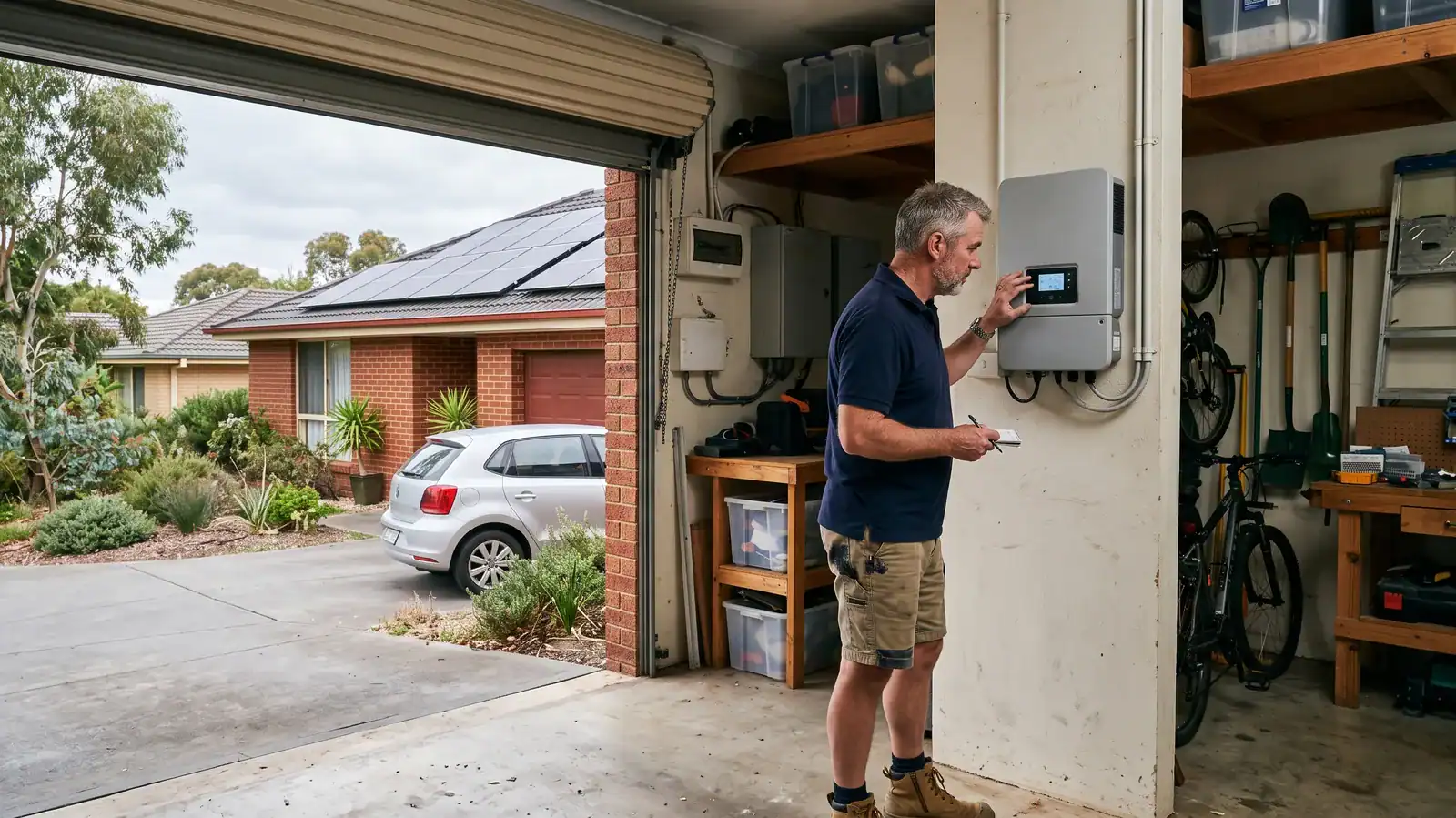
Read the inverter, but check its manual
The inverter display or app can show whether the system is producing power and report fault codes. Write down the exact code before changing anything.
| What you see | What it may indicate | Next check |
|---|---|---|
| Normal production reading | The panels and inverter may be working, even if the app is stale | Check the app’s last update time and Wi-Fi connection |
| Low production reading | Cloud, shade, dirt, heat or a partial system fault | Compare with a clear day at the same time |
| Warning light or error code | An inverter, grid or isolation fault | Record the code and consult the model’s manual |
| No display in daylight on a model with a screen | No supply to the inverter or an inverter fault | Check the solar breaker, then call a technician |
Light colours are not standard across every inverter, so do not assume that red, orange or flashing green always means the same thing. The manufacturer’s manual or app description is the reliable reference. Our guide to checking whether your solar inverter is working explains what to record before a service call.
Rule out an app or Wi-Fi problem
Sometimes the solar is generating normally but the monitoring app has stopped receiving data. This often follows a router change, new Wi-Fi password or internet outage.
- Check the app’s “last updated” time rather than looking only at today’s total
- Look at the inverter display in daylight for a live power reading
- If your meter shows export, use it as a separate clue: export is surplus power sent to the grid, not total solar generation
- If the inverter is producing but the app is stale, troubleshoot the monitoring connection rather than the panels
Zero export does not prove the panels have stopped: your home or battery may be using all the solar power. When comparing readings, use the same units: kW for output at that moment and kWh for energy generated over a day.
A router or password change may mean reconnecting your solar inverter to Wi-Fi is all the monitoring needs. The Australian Government explains which readings solar monitoring can show, including generation, battery charging and household use.
If you want to compare production over time, this guide explains how to test your solar panel output using inverter and monitoring data. Do not test live wiring with a multimeter unless you are qualified to do so.
Check for dirt, debris and new shade
Dust, bird droppings, pollen and leaf litter can reduce output. The effect depends on how much of the array is covered, the panel layout and whether the system uses a string inverter, optimisers or microinverters.
- Compare production with a similar clear day rather than yesterday’s weather
- Look from the ground for leaf build-up, bird droppings, cracks or discolouration
- Watch the roof at different times to spot shadows that move across the array
- Check whether a growing tree, new antenna, vent or nearby building now shades the panels
Winter sun sits lower in the sky, so a roof that is clear in summer may be shaded from May to August. Partial shade can affect one panel, one string or the whole array depending on the system design.
Do not climb onto a roof or attempt to clean panels while investigating a fault. Arrange a qualified cleaner or technician, particularly if panels or wiring appear damaged; the Australian Government recommends leaving panel cleaning to a qualified person.
Allow for weather, heat and seasonal changes
Low output on a cloudy morning is different from zero output throughout a clear day. Compare the system with its own history before assuming a component has failed.
- Check a full day of energy production, rather than one brief dip
- Compare days in the same season with similar cloud and shade
- Keep the inverter ventilation clear without opening its casing
- Record repeated shutdowns in hot weather and have a technician check them
The Australian Government’s solar maintenance guidance explains that daily generation varies with weather and the time of year. Persistently lower output on sunny days warrants a check by your installer.
Treat wiring and equipment damage as electrical work
Loose or mismatched connectors, damaged cable insulation, water ingress and failed isolators can cause intermittent production or a complete shutdown. These faults need testing by a licensed electrician.
- DC connectors can fail if they are loose, damaged or mismatched
- DC isolators can deteriorate after years of sun, rain and temperature changes
- Cables under panels can be damaged by pests, weather or poor support
- Panel junction boxes and bypass diodes can produce faults that are not visible from the ground
Solar panels generate DC electricity whenever light reaches them. Turning off the inverter or main switch does not make every cable on the roof safe. Energy safety guidance for solar PV work warns that DC supply cabling may remain live even when other power has been isolated.
In NSW, electrical wiring work requires an electrical licence. Solar Accreditation Australia administers installer and designer accreditation; accreditation is separate from the electrical licence. See the NSW solar installation requirements and the Clean Energy Regulator’s accreditation update.
Why solar stops during a grid outage
Most grid-connected solar systems shut down when the street supply fails, even in bright sunshine. The inverter must disconnect from the network so it cannot send electricity into lines being repaired.
Backup needs equipment designed to disconnect safely from the grid and power nominated circuits. Having a battery does not necessarily mean your home has backup power.
- Check whether lights and non-solar circuits in the home have also lost power
- Ask whether neighbours are affected or check the network outage map
- Leave the inverter alone while the grid is down
- After supply returns, allow several minutes for the inverter to test the grid and reconnect
- If production does not return, record the display message and call your installer
The Australian Government’s backup design guidance explains that some specialised solar-only systems can operate independently in daylight. For home solar batteries with backup capability, ask which circuits will run and whether solar can recharge the battery during an outage.
The Essential Energy outage map for regional NSW lists active and planned interruptions. Checking it can save an unnecessary service call.
Know when to book a technician
Stop troubleshooting if the breaker retrips, the inverter shows a persistent fault, output stays at zero after the grid returns, or you can see damaged equipment. At that point, the system needs to be tested by an electrician.
| Problem | Safe homeowner action | Professional needed? |
|---|---|---|
| Monitoring app offline | Check the timestamp, router and inverter display | If generation has stopped or monitoring cannot be restored |
| Solar breaker trips once | Record its position; reset only as instructed for your system | If it trips again or the cause is unclear |
| Dirt or shade visible from the ground | Compare production and arrange safe cleaning or trimming | Yes, where roof access or electrical testing is involved |
| Inverter error code | Record the exact code | Usually |
| Damaged panel, cable or isolator | Keep away from the equipment | Yes |
| Zero output with no clear cause | Check the grid, breaker and inverter display | Yes |
Before you call, take a photo of the inverter display, note the fault code and time, save an app screenshot, and mention any preceding storm, outage or switchboard work. That information helps the technician prepare for the visit.
The local SolaXs solar team has more than 25 years of electrical and solar experience. SolaXs provides solar maintenance and repair services for existing home systems across the Mid North Coast, including solar system owners in Port Macquarie.
Before agreeing to a replacement, ask a technician to assess whether your solar panels can be repaired and which component has failed.
If the original installer has closed, check your product and workmanship warranty documents before authorising repairs. Ask whether the replacement technician can handle the claim and whether the manufacturer needs to approve the work first.
For recurring checks, a SolaXs Solar Care Plan includes routine checks for dirt, damaged parts and inverter faults. Otherwise, book a solar service call with SolaXs and send the evidence you collected.
Frequently asked questions
Generation and monitoring
Why do solar panels suddenly stop working?
A sudden stop is usually linked to a tripped solar breaker, an inverter or grid fault, an isolator problem, or loss of power from the street. Start with the inverter display, switchboard and network outage map.
How can I test whether my solar panels are working?
Check the inverter’s live power reading in daylight, confirm the monitoring app has a timestamp from today, and compare production with a similar clear day. If it still reads zero after its normal start-up checks in good daylight with grid power available, record any code and call a technician.
How do I reset a solar system safely?
Only follow your model’s shutdown and restart instructions if the equipment is dry, undamaged and safe to approach. Do not open enclosures or guess switch positions; if a fault returns, stop resetting and call a licensed electrician.
Why is my solar app offline when the inverter is producing?
The monitoring connection may have lost Wi-Fi or internet access while the inverter kept generating. Check the app’s last update time and the inverter’s live reading before treating it as a panel fault.
Equipment faults and backup power
Can one faulty panel stop the whole system?
The effect of one faulty panel depends on the system design and the fault. A problem in one string can reduce output from several panels, while systems with microinverters or optimisers may isolate the loss more effectively. Electrical testing is needed to identify the failed part.
Should solar work during a blackout?
A standard grid-connected system normally shuts down during a blackout. A system must be designed and configured for backup to supply nominated circuits while the grid is unavailable. Some specialised solar-only systems offer daytime backup; a battery is needed to supply stored solar energy after dark.
Why are my solar panels producing less power than usual?
Cloud, seasonal shade, dirt and inverter overheating can reduce output without a complete failure. Compare daily generation with similar conditions, then arrange testing if the drop persists or the inverter reports a fault.
When should I call a solar technician?
Call if output stays at zero in good daylight with grid power available, a fault keeps returning, or a breaker trips again. Keep away from damaged or wet equipment; do not open covers or unplug solar connectors.
What if my original solar installer has gone out of business?
Keep your invoice, equipment serial numbers and warranty documents. Another licensed solar electrician can assess the fault, but ask the manufacturer about warranty authorisation before paying for repairs or replacing parts.